TikTok isn’t just for entertainment anymore. It’s a powerful marketing tool for entrepreneurs, real estate professionals, and small business owners. The key to growing your account (and your sales) is understanding your analytics. That’s where TikTok’s Creator Dashboard comes in. In this guide, I’ll break down what the dashboard is, how to access it, and how to use the data to create content that attracts customers.
Step 1: Access Your Creator Dashboard
- Open the TikTok app.
- Go to your profile → tap the three lines in the top right corner → select Creator Tools.
- Choose Analytics to open your dashboard.
This section will become your command center for all things growth.
Step 2: Understand the Key Metric
Your dashboard is filled with numbers, but here’s what matters most:
- Video Views → Tracks how many times your videos are watched.
- Profile Views → Tells you how many people clicked to learn more about you.
- Followers → Tracks growth trends over time.
- Engagement Rate → Likes, comments, shares, and saves on each video.
- Audience Insights → Age, gender, and location of your followers.
Step 3: Spot Content That Performs Best
Go to your Content tab to see which posts are performing the best. Look for:
- Videos with higher-than-average watch time
- Posts with strong share and save counts
- Formats you can replicate (ex. tutorials, storytimes, behind-the-scenes)
💡 Pro Tip: Don’t reinvent the wheel—double down on what’s already working.
Step 4: Track Trends in Real Time
TikTok analytics also help you find when your followers are most active. Post when your audience is online for maximum reach.
Step 5: Use Data to Plan Your Content Strategy
Example:
- If you notice your audience loves short tutorials, make more.
- If your followers are mostly women aged 25–34 in Tennessee, tailor your content to what resonates with them.
- If your engagement dips, test new sounds or posting times.
Conclusion + CTA
The TikTok Creator Dashboard is like a free coach: it shows you what’s working and what needs tweaking. By paying attention to your analytics, you’ll create smarter content that actually drives leads to your business.
Want to learn how to create scroll-stopping TikToks and Instagram Reels in minutes? Join my Canva + ChatGPT social media workshop and I’ll show you how to film, edit, and post content that grows your business without burning out.

30 Days of Social Media Content Ideas for Entrepreneurs Who Don’t Have Time to Waste
If you’re an entrepreneur juggling sales, service, and social media, content creation often falls to the bottom of your to-do list. You know you should post more consistently, but figuring out what to say every day? That’s the exhausting part. Good news: this post gives you 30 content prompts you can rotate, reuse, and remix....Continue reading→
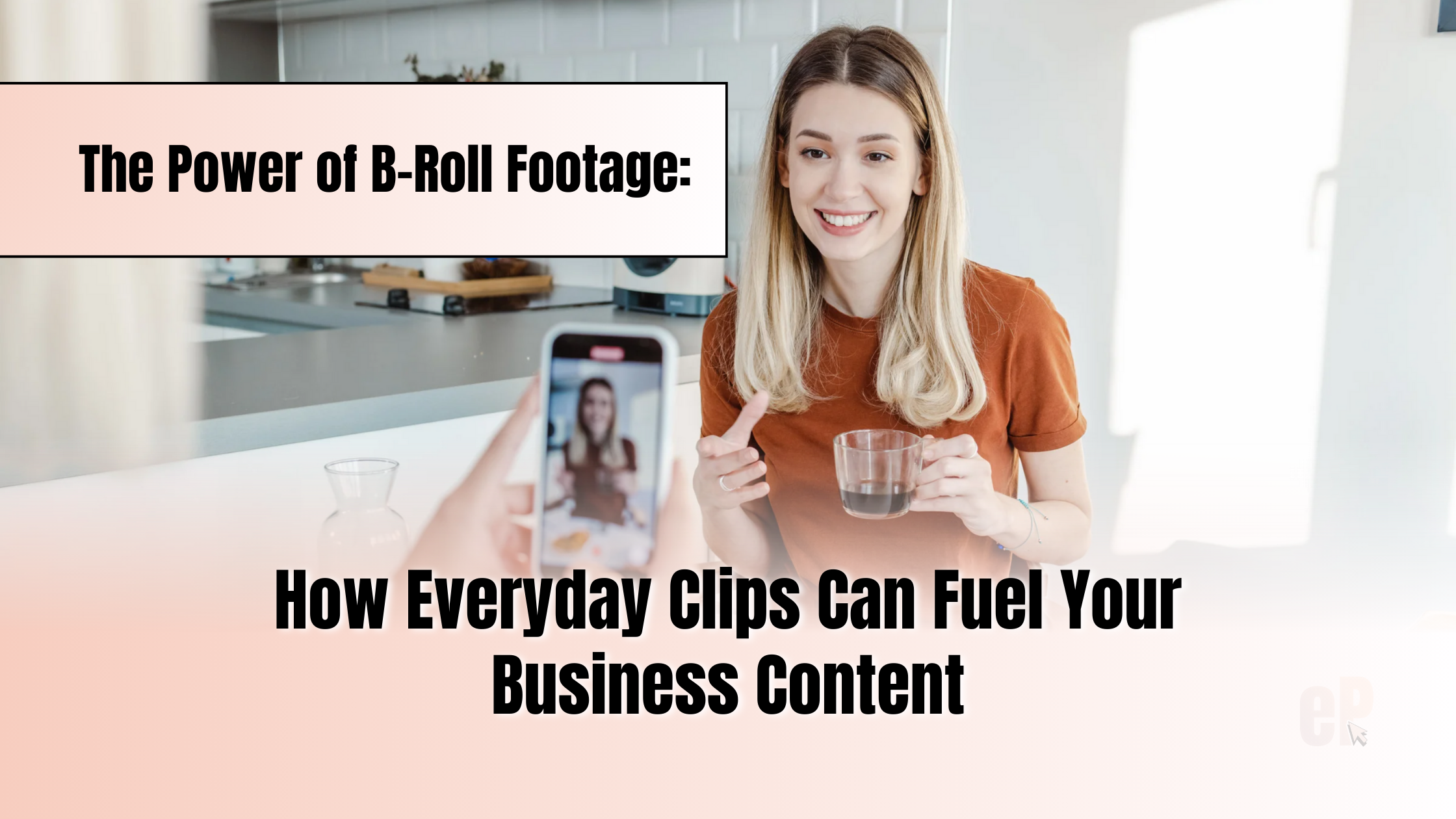
The Power of B-Roll Footage: How Everyday Clips Can Fuel Your Business Content
Struggling to come up with new content ideas for your business? Here’s a secret that top creators and entrepreneurs use: B-roll footage. B-roll is simply short video clips of everyday actions such as fluffing pillows in a listing, organizing your desk, grabbing coffee, or walking into a room. These 3 to 60-second clips can be...Continue reading→